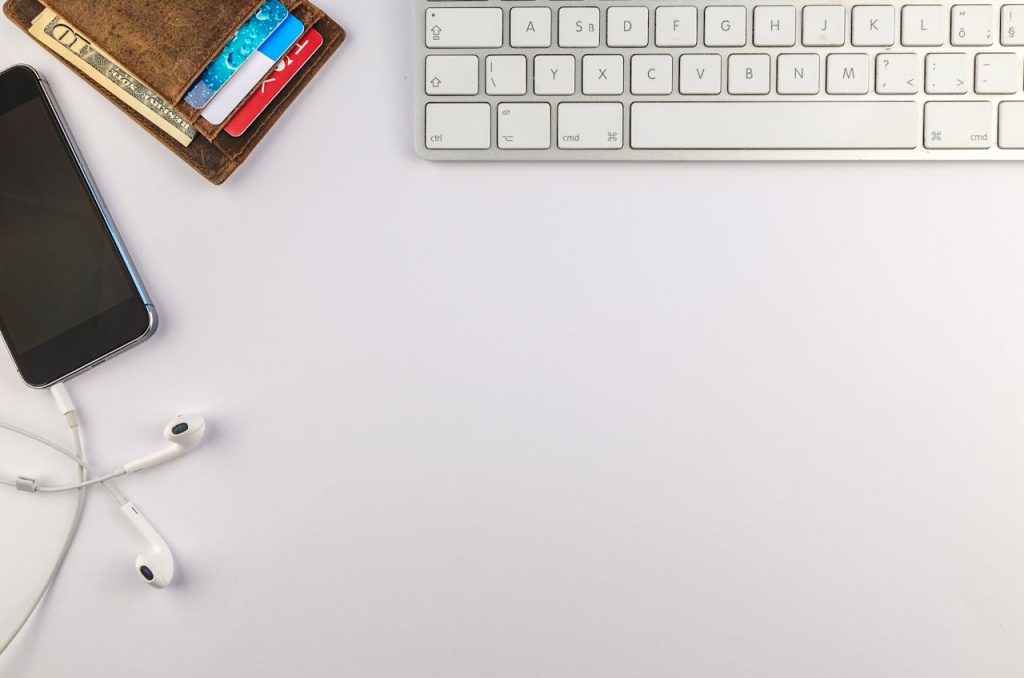
In today’s digital world, gadgets like smartphones, laptops, tablets, and headphones are part of our everyday lives. We use them constantly, which means they collect dust, dirt, fingerprints, and even harmful germs. Regular cleaning and proper maintenance not only keep your devices looking new but also improve performance and extend their lifespan.
Why Cleaning and Maintenance Are Important
Cleaning your gadgets is not just about appearance. It also helps:
- Prevent overheating
- Improve device performance
- Reduce the risk of damage
- Maintain hygiene
- Extend battery life
General Safety Tips Before Cleaning
Before you start cleaning any gadget:
- Turn off and unplug the device
- Remove external accessories
- Never spray liquid directly on devices
- Use soft, lint-free cloths
- Avoid harsh chemicals
How to Clean Different Gadgets
1. Smartphones and Tablets
These devices collect the most germs.
How to clean:
- Use a microfiber cloth
- Slightly dampen with water or isopropyl alcohol (70%)
- Gently wipe the screen and body
- Use a soft brush or toothpick for charging ports
2. Laptops and Computers
Dust can slow down performance and cause overheating.
How to clean:
- Clean screen with microfiber cloth
- Use compressed air for keyboard
- Wipe body with damp cloth
- Clean vents carefully
3. Headphones and Earbuds
Earwax and sweat can affect sound quality.
How to clean:
- Remove silicone tips
- Clean with cotton swab and alcohol
- Dry completely before use
4. Keyboards and Mouse
These are often the dirtiest gadgets.
How to clean:
- Shake keyboard upside down
- Use compressed air
- Wipe with alcohol wipes
Maintenance Tips for Longer Gadget Life
Keep Software Updated
Updates fix bugs and improve performance.
Use Protective Accessories
Cases, covers, and screen protectors prevent damage.
Avoid Overcharging
Unplug once fully charged to protect battery health.
Store Properly
Keep gadgets away from heat, moisture, and dust.
Restart Regularly
Helps clear memory and background processes.
Common Mistakes to Avoid
- Using too much water
- Cleaning while device is on
- Using glass cleaners or bleach
- Ignoring ports and vents
Conclusion
Cleaning and maintaining your gadgets is a simple habit that makes a big difference. With just a few minutes of care each week, you can keep your devices clean, fast, safe, and working like new.